Step 1:
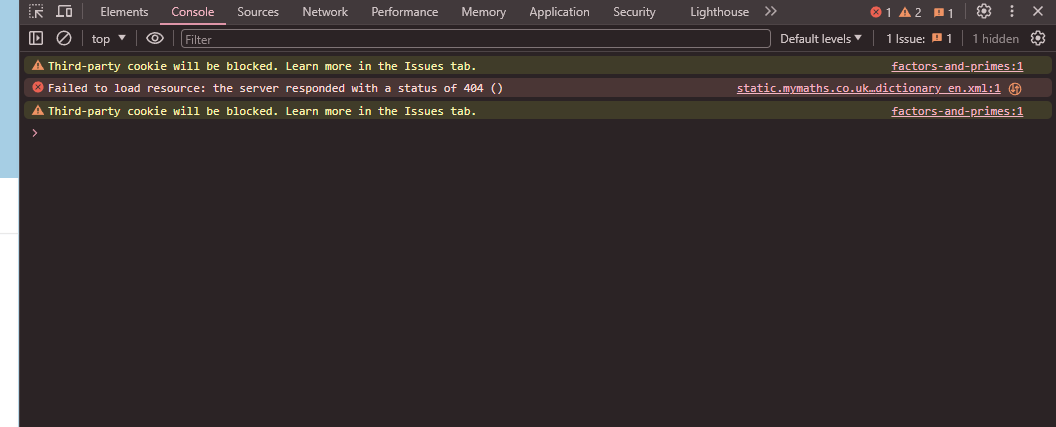
Press ctrl + shift + I on the mymath homework
Step 2:
Navigate to network

Step 3:
Note down the top marks you can get.


Step 4:
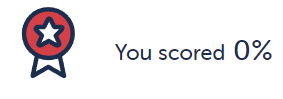
Mark the work, you will get 0%
Step 5:
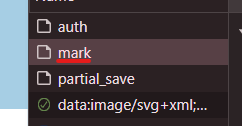
A request should pop up saying mark
Step 6:
Click on it
Step 7:
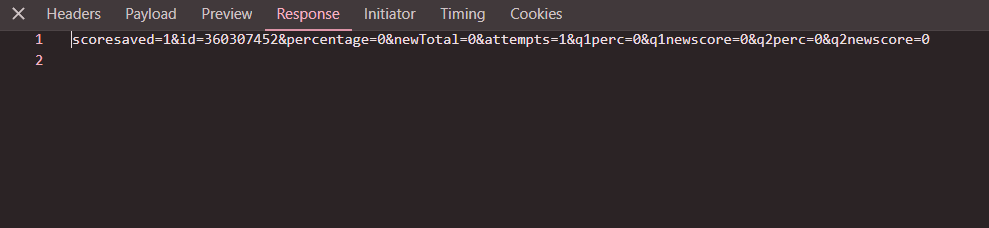
Click Payload
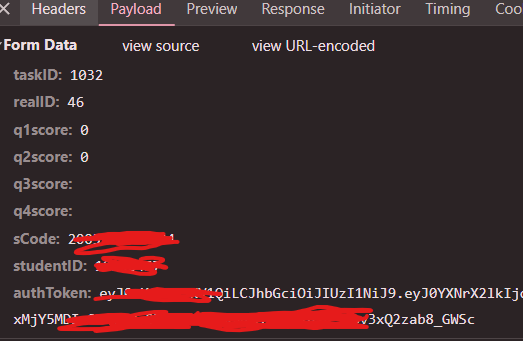
Step 8:
Here you can see everything you need to input to fill into the gen.
Step 8 Extended:
Follow the same steps but for the request "auth" and instead click the preview.
You need to copy the auth code. Now you can go to my website and fill in everything.
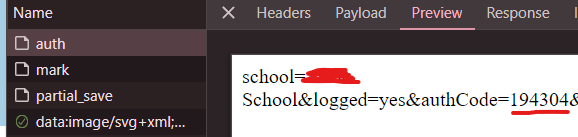
Step 9:
The q1score and q2score will be the marks you get ( I will choose 10 + 13 because that is 100% for me )
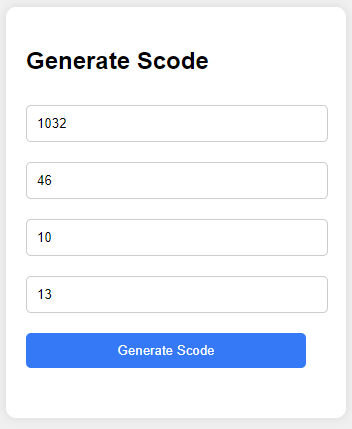
Step 10:
Click generate and copy the code
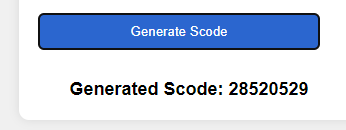
Step 11:
Go to mymaths, Right click the mark, click again on copy and press copy as curl ( bash )
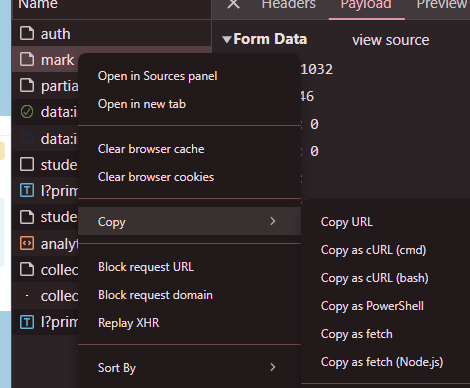
Step 12:
go to https://reqbin.com/curl and paste in your curl
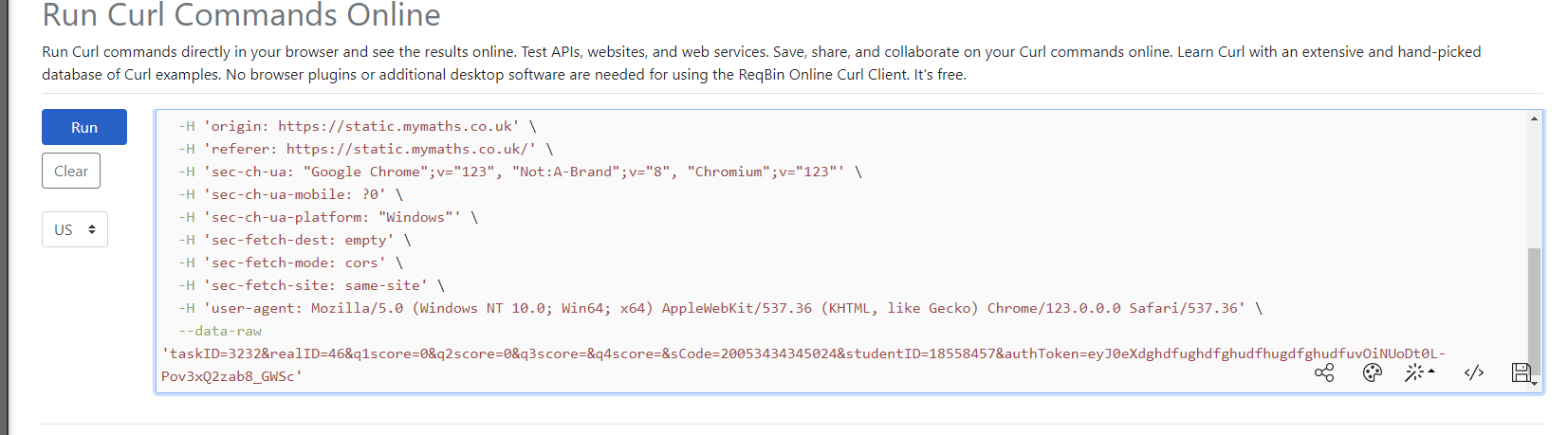
Step 13:
Look for --data-raw

Step 14:
Replace the the scores with what you put in my gen and the Scode we Generated

Step 15:
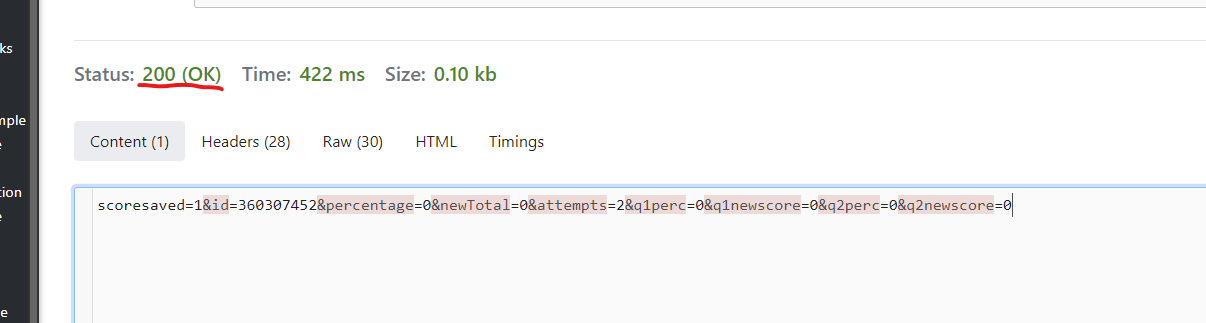
Now click run. The status should be 200 (OK)
Step 16:
Now click run. The status should be 200 (OK)

Step 17:
Go back to MyMaths and check your feed. 😎
